
Healthcare IT Services
Protect your business with Microwize’s healthcare IT services
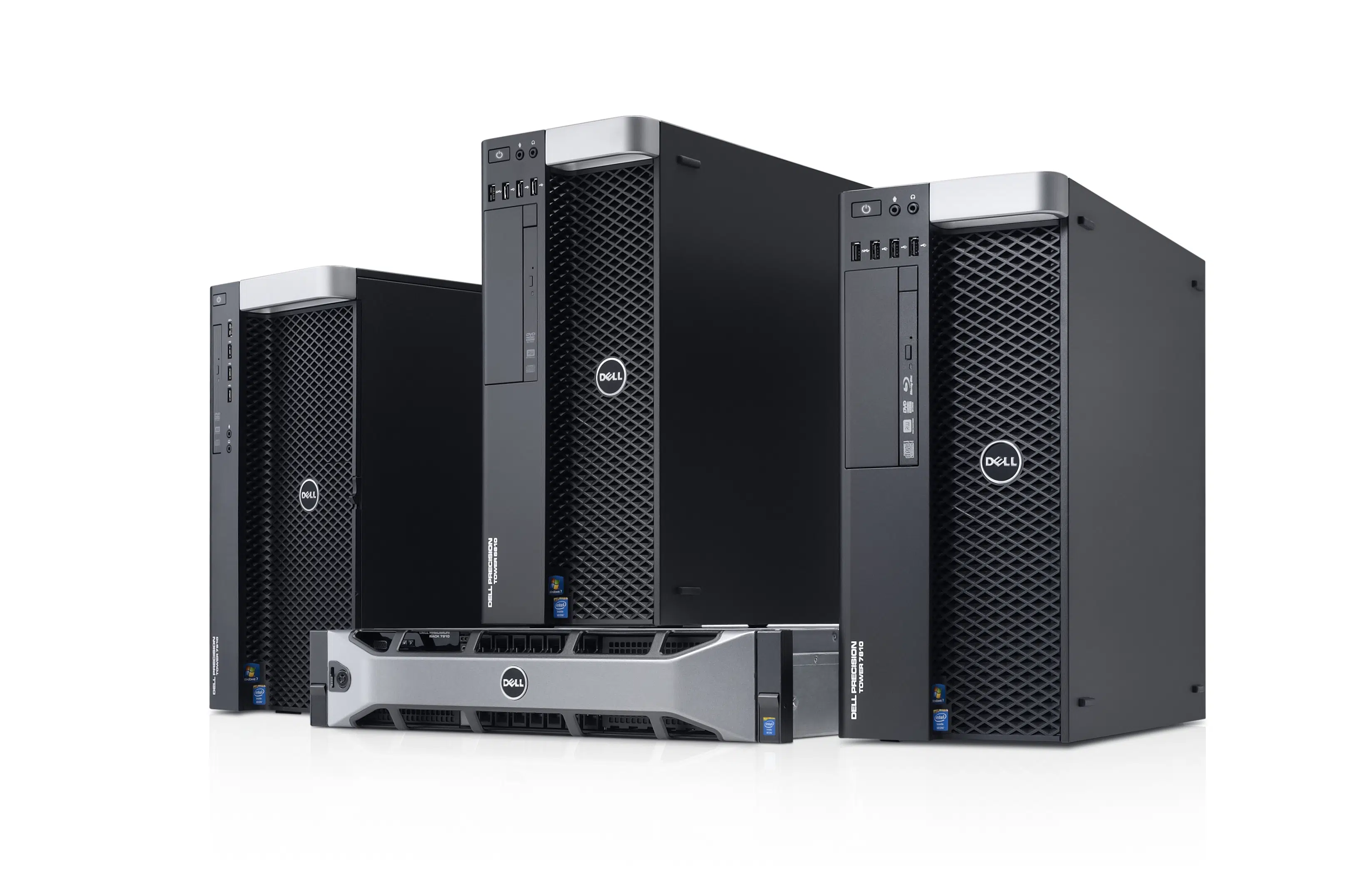
Healthcare IT (information technology) services are designed to support physicians, groups, medical billing companies, and even hospitals. Healthcare IT services with Microwize include network and hardware management, cybersecurity, on-site and cloud backups, voice over IP (VoIP) phone systems, and more.
IT services can reduce costs, mitigate cybersecurity risks, increase efficiency, and empower staff members to deliver better patient experiences.
Healthcare IT Services - Solutions for All Budgets
We offer several remote network solutions to fit every budget:
☑ Hosted web-based solutions for single PC access
☑ Windows client or server-based solutions for 3-5 users
☑ Dedicated server-based remote desktop solutions
☑ Enterprise-grade remote desktop solutions using thin client technology
 Planning ✓

Design ✓

Integration ✓

Support (Local and wide area network systems) ✓

Consulting ✓
Technical Services ✓
Local Area Network Integration – Healthcare IT Services
Microwize provides consulting services to better manage your local area network. From servers to workstations to printers, switches, and firewalls, let us make your in-office computer experience as smooth and error-free as possible.
☑ Development and integration of application systems
☑ LAN/WAN design, deployment, and management
☑ Peace of mind

Wide Area (WAN) – Remote Multi Office Networking
For organizations with employees working from multiple locations, Microwize offers Remote Office Networking, a secure solution that enables access to all your applications on any OS, and easy remote printing and scanning. Let us make it easy for your organization to grow without the growing pains.
☑ Access your medical billing, EHR, or any software
☑ Protect your essential data with enterprise-grade security
☑ Universal printing and scanning
☑ Run programs on multiple operating systems (Windows, Mac, Linux)

Cybersecurity
As technology evolves and continues to permeate all aspects of life, so do the threats that come with it. Ranging from malware and ransomware to phishing, your network is at risk. Our cybersecurity solutions include firewall protection, antivirus solutions and more. With these tools in place, you can focus on your work instead of security risks.

Managed IT Services
Busy providers, office managers, and billers can rely on Microwize’s cybersecurity expertise to actively manage your network and security needs. We can manage and update your firewall and antivirus, push out Windows Updates outside of business hours, test your backups, and monitor hardware to address failures before they happen.
 Take inventory
 Schedule on-boarding
 Be secure