

Medinotes’ EMR software was developed and sold as the Charting Plus EMR solution in the late 1990s, with the product being renamed MediNotes e around 2007. This product was the most popular of the EMR packages Microwize Technology has sold and supported. Even after it was sunset in 2013 with MediNotes’ acquisition by Eclipsys and then Allscripts, the user-friendly yet powerful MediNotes e still has its users (you could say fans!).
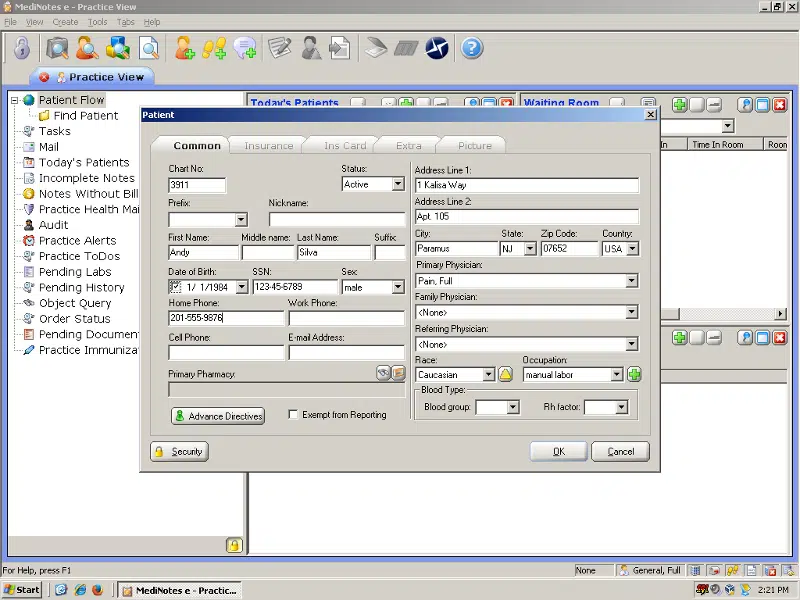
Of course, with the product having been sunset, finding consultants who can help becomes challenging. Microwize has support technicians familiar with installing, configuring, and troubleshooting MediNotes e. If you’re looking to migrate away from your old system to a currently ONC-certified EMR solution, we can help you with that process, too.

Microwize can assist you with getting your MediNotes data exported, and with migrating it to another EHR system such as Aprima. As healthcare industry changes affect your practice, we’re prepared to be your partner in adapting to those changes. For more information, please call and speak to one of our healthcare technology consultants at 800-955-0321 today!
How can Microwize help your practice with MediNotes?
- Support: Microwize understands that MediNotes users are not just standard customers, they are fans. We can help you reinstall the software, or host it in our secure datacenter and give your practice access to retrieve your patient charts.
- Data conversion: Microwize can help you export patient records out of MediNotes.
- Replacement: Microwize understands that MediNotes was just a simple charting software, we have the perfect MediNotes replacement for your practice. Aprima is what we call “MediNotes on steroids.” The charting and notes part of Aprima looks very much the same as MediNotes; however Aprima is a full EHR suite with billing, scheduling, notes, electronic prescriptions, and document management. Aprima was built from the ground up as an “all-in-one” database.
 Aprima supports the following specialties:
 Aprima supports the following specialties:
- Allergy & Immunology
- Cardiovascular & Thoracic Surgery
- Dermatology
- Endocrinology
- Ear, Nose & Throat (Otolaryngology)
- Gastroenterology
- General Surgery
- Neurology
- Neurosurgery
- Ophthalmology
- Retinal Surgery
- Orthopedics
- General Orthopedics
- Occupational Therapy
- Physical Therapy
- Spine Surgery
- Pain Management
- Pediatrics
- Pediatric Pulmonology
- Plastic Surgery
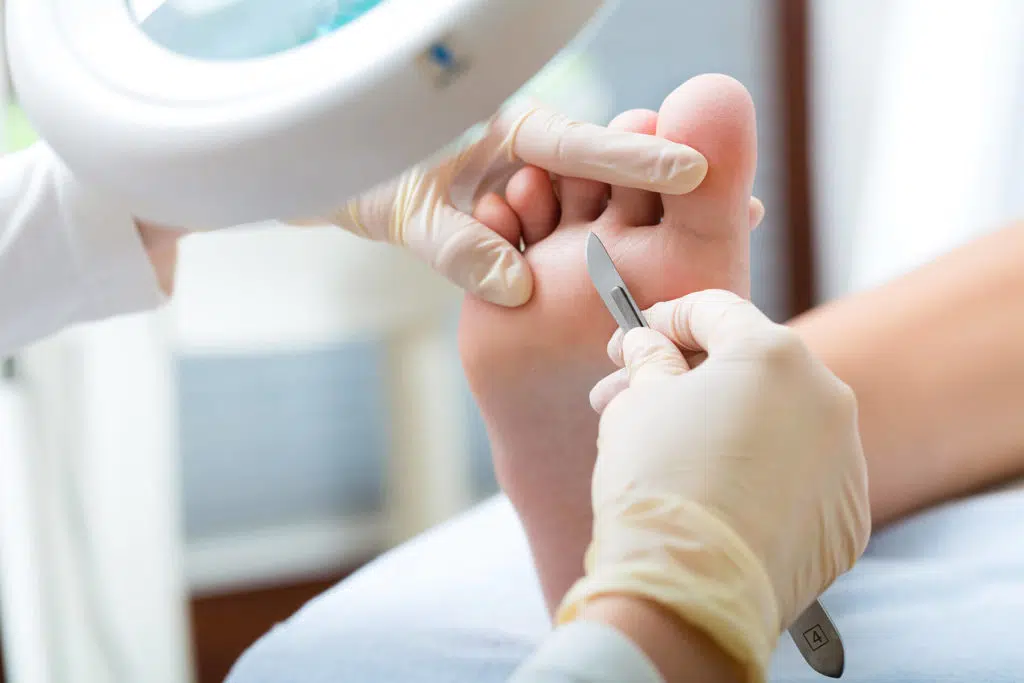
- Podiatry
- Primary Care
- Pulmonary Medicine
- Rheumatology
- Urology
- Women’s Health (OB/GYN)
- Reproductive Medicine
- Other
MediNotes Podiatry Templates added in Aprima
Need more info?
Call us at 800-955-0321
Call 800-955-0321 or Click below
Download a Demo
Free trial software and online demos
Try a Free Demo
Schedule Live Demo
Let our experts show you our solutions
